Streamlining On-The-Go Commerce: WooCommerce Unveils Frictionless QR Code Authentication for Mobile Apps

Executive Overview
In the fast-paced ecosystem of modern digital commerce, every second spent navigating administrative bottlenecks represents potential revenue lost. For years, mobile merchants utilizing WooCommerce—one of the world’s most dominant open-source e-commerce platforms—faced a persistent, friction-laden initiation rite: logging into the platform’s mobile application.
Previously, this process required typing convoluted store URLs onto cramped smartphone keyboards and navigating a fragmented credential screen that awkwardly divided authentications between WordPress.com and WordPress.org. For store owners managing inventory, tracking fulfillment, and monitoring sales analytics on the move, this clunky onboarding procedure was more than a minor annoyance; it was a daily productivity drain.
Addressing this long-standing pain point, WooCommerce has officially modernized its mobile login infrastructure. Born out of the company’s internal "Radical Speed Month" hackathon, a cross-functional engineering team has introduced a seamless, secure QR code-based authentication flow. By bridging desktop and mobile environments, the new update allows merchants to bypass manual typing entirely, granting instantaneous and secure access to their store metrics by simply scanning an on-screen code.
Available globally across iOS and Android platforms, this feature marks a significant milestone in mobile-first merchant experiences, reflecting WooCommerce’s broader strategic pivot toward speed, intuitive design, and cross-platform synergy.
Detailed Chronology: From Hackathon Concept to Global Deployment
The genesis of the QR code login feature is a masterclass in agile product development, born not out of a multi-year roadmap initiative, but from a high-intensity, month-long company hackathon known as Radical Speed Month.
The Spark: Recognizing the Bottleneck
During Radical Speed Month, mobile code wrangler Jiří Malina and mobile team lead Jorge Mucientes teamed up with a singular, laser-focused objective: systematically identify and dismantle the most frustrating user experience hurdles plaguing the WooCommerce mobile application.
The login screen quickly emerged as the prime suspect. For a platform designed to offer absolute freedom and flexibility, the requirement to manually input long, hyphenated domain names and navigate multi-step authentication hierarchies on mobile devices felt distinctly outdated. Malina and Mucientes recognized that solving this problem would require a complete rethinking of how identity and authorization are passed between a merchant’s desktop command center and their mobile device.
The Engineering Challenge
Designing a smoother login flow sounded straightforward in theory, but execution required an unprecedented level of synchronization. To implement a frictionless QR code handoff, the engineering team had to simultaneously ship coordinated changes across several distinct layers of the WooCommerce ecosystem:
- WooCommerce Core (the foundational PHP plugin running on self-hosted servers)
- WP Admin (the WordPress backend dashboard)
- WordPress.com infrastructure (handling cloud-connected authentication services)
- Both native mobile applications (simultaneously across Apple’s iOS and Google’s Android ecosystems)
"It was no small task," notes Jorge Mucientes in the project’s retrospective. "Getting there meant finding the right solution and shipping changes across the entire stack simultaneously. We had to be completely certain we were building a solution that was not only fast, but robustly secure."
Analyzing User Behavior
To arrive at the QR code solution, the team relied heavily on behavioral data analytics. An illuminating insight emerged from usage metrics: the vast majority of merchants downloading and installing the WooCommerce mobile app were already actively logged into their store via a desktop computer browser.
Armed with this data, the team abandoned the traditional paradigm of forcing users to treat mobile app installation as an entirely isolated, greenfield authentication event. Instead, they asked a simpler question: If the user is already authenticated on their desktop, why make them prove who they are all over again on their phone?
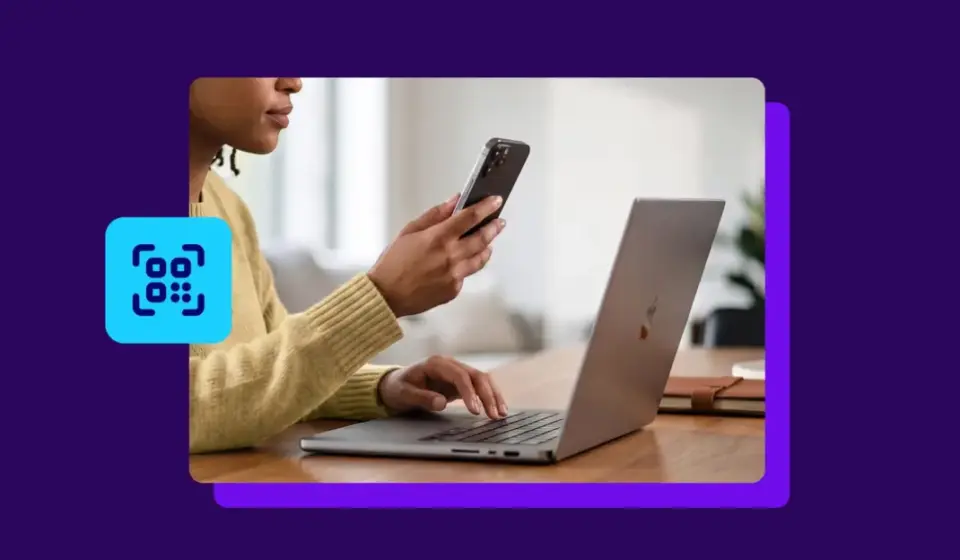
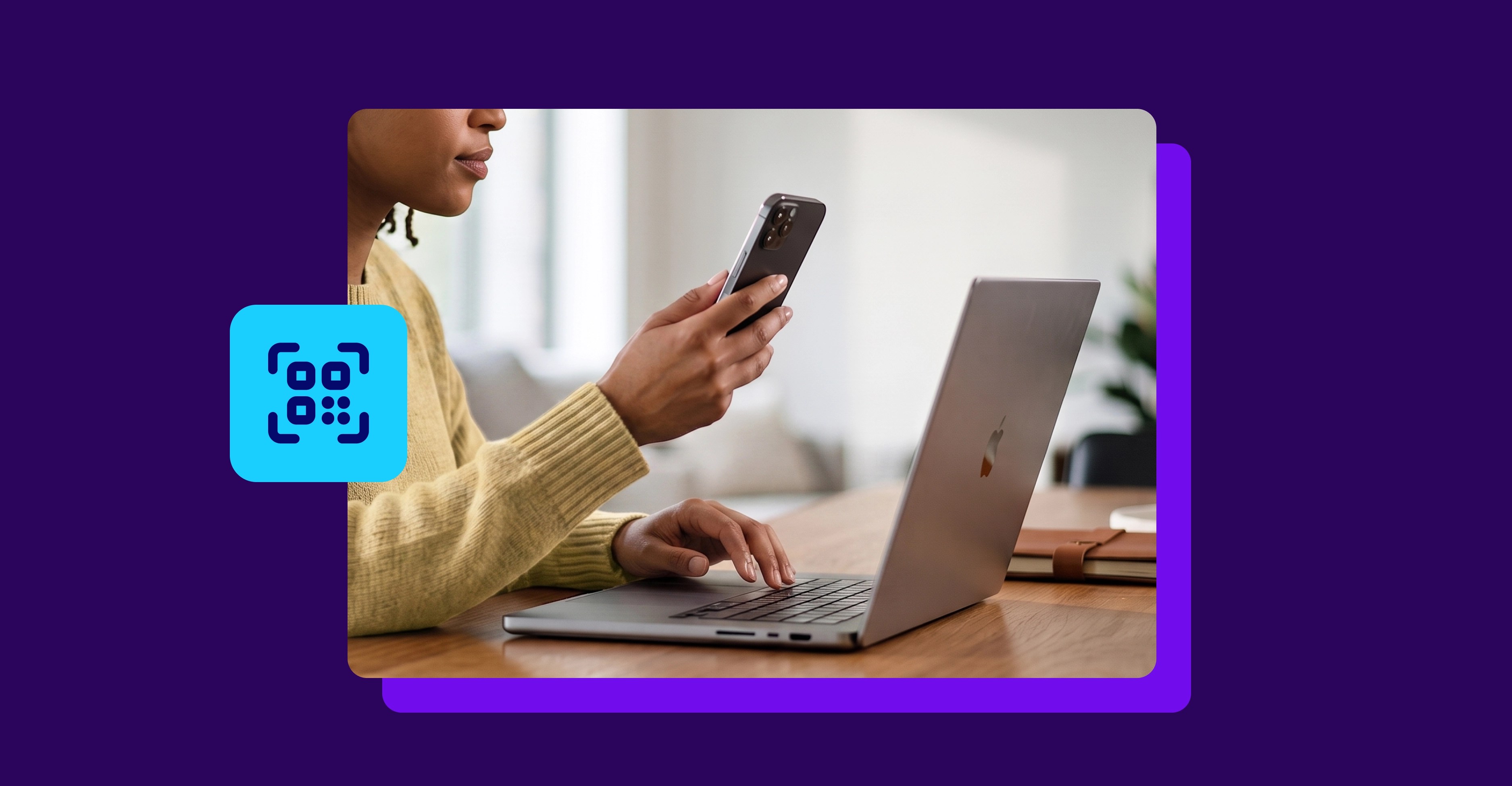
The answer was the desktop-to-mobile QR bridge. By leveraging the secure, existing desktop session, the application can generate a dynamic, time-sensitive QR code within WP Admin or the store’s Jetpack-connected dashboard. Scanning this code with the mobile app instantly authorizes the session, reducing a tedious multi-minute typing exercise into a two-second optical scan.
Supporting Context & Metrics: The Evolution of Mobile Commerce
To truly understand the weight of this update, one must contextualize the shifting demographics of e-commerce management. Running a digital storefront is no longer a desk-bound profession restricted to fixed office hours. Modern merchants operate in a state of perpetual mobility—responding to customer inquiries from airport lounges, checking inventory fulfillment metrics from warehouse floors, and reviewing flash-sale revenue spikes while commuting.
The True Cost of Micro-Friction
In user experience (UX) design, "micro-friction" refers to tiny, seemingly insignificant hurdles that interrupt a user’s workflow. While typing a URL or toggling between password managers might take only 30 to 45 seconds, the cognitive load and frustration compound over time.
Studies in consumer and enterprise application engagement consistently show that drop-off rates spike during initial onboarding and authentication phases. If a merchant encounters a confusing login wall upon opening a newly downloaded productivity app, the probability of abandonment increases exponentially. By removing the keyboard barrier, WooCommerce is directly optimizing its activation funnel, ensuring that merchants transition smoothly from curiosity to active app usage.
The Technical Requirements for Integration
Deploying infrastructure of this magnitude across a massive open-source ecosystem requires careful version management. To ensure a seamless rollout without breaking backward compatibility, WooCommerce engineered the update to leverage existing secure conduits, primarily Jetpack and WordPress.com connections.
To utilize the new QR code login feature, users must meet the following minimum version thresholds:
- WooCommerce Plugin: Version 10.9.1 or higher
- Mobile App (iOS & Android): Version 25.2 or higher
- Store Connection: The WooCommerce store must be connected to a WordPress.com account via Jetpack (standard for modern automated setups).
Step-by-Step User Workflow
The implementation requires zero manual configuration from the store owner. Once the respective software updates are installed, the login process functions through a streamlined, intuitive sequence:

- Initiation: Open the WooCommerce mobile app on your iOS or Android device and select the login screen option.
- Desktop Prompt: Navigate to your store’s WP Admin dashboard or your Jetpack-connected WooCommerce portal on your desktop computer, where a secure QR code login prompt will be displayed.
- Optical Handshake: Use the camera viewfinder within the mobile app to scan the dynamically generated QR code presented on your monitor.
- Authorization: Confirm the login prompt on your desktop browser to securely authorize the mobile session.
- Completion: The mobile app instantly authenticates your credentials, loading your store’s real-time analytics, order history, and management tools within seconds.
Official Statements & Industry Perspectives
The release of the QR code authentication feature has drawn positive reactions from both the internal development teams and the wider WordPress community, highlighting a cultural shift toward user-centric design within the open-source space.
"Logging into the WooCommerce app once meant typing your store URL on a phone keyboard and navigating a credential screen that split logins between WordPress.com and WordPress.org. We knew it could be frustrating—especially on mobile devices. That’s why we’ve modernized our login experience to make it faster and easier for merchants to get into their accounts."
— The WooCommerce Mobile Engineering Team
Industry analysts have praised the update for recognizing a fundamental truth about modern software deployment: security and convenience do not need to be mutually exclusive. By anchoring the mobile authentication request to an already-verified desktop browser session, WooCommerce has actually bolstered security by eliminating the vulnerability of users typing master passwords or storing plain-text credentials insecurely on mobile devices.
Furthermore, the transparent storytelling surrounding the feature’s origin story—highlighting an internal hackathon team rather than a sterile corporate directive—resonates deeply with the open-source ethos. It demonstrates that platforms operating at enterprise scale can retain the agility, creativity, and responsiveness of nimble startup environments.
Future Outlook: The Next Frontier of Mobile-First E-Commerce
As digital commerce continues to evolve at breakneck speed, the boundary lines separating desktop administration and mobile management are dissolving. Merchants no longer view mobile apps as secondary, stripped-down dashboards used only for emergencies; they expect full-featured, lightning-fast control centers that mirror the capabilities of desktop browsers.
What Lies Ahead for WooCommerce Mobile
With the authentication bottleneck successfully resolved, industry watchers are speculating on what the WooCommerce mobile team will tackle next. Given the trajectory established during Radical Speed Month, future development cycles are likely to focus heavily on:
- Real-Time Push Intelligence: Enhancing granular notification systems that alert merchants to high-value orders, inventory stock-outs, and flagged fraudulent transactions instantly.
- On-the-Go Customer Relationship Management (CRM): Streamlining customer communication workflows, allowing support tickets and live chats to be managed natively from mobile interfaces.
- Biometric Integration: Expanding deep system-level integrations with FaceID, TouchID, and Android biometric equivalents to make subsequent app reopenings even faster than a QR scan.
Conclusion
The rollout of the QR code login feature is far more than a minor quality-of-life patch; it is a clear statement of intent from the WooCommerce ecosystem. By listening to user frustration, analyzing behavioral data, and leveraging internal engineering talent during initiatives like Radical Speed Month, the platform has successfully eliminated a classic friction point in digital administration.
For the millions of merchants driving their businesses forward on the go, managing an online empire just got a whole lot faster.